


We offer many style options for you to make simple, but powerful style changes with one-click.
Basic styles
We offer easy-to-use customization options of,
•
Color theme
•
Seasonal overlay (Let it snow on your website  )
)
)•
Display/Hide
◦
Notion's top navigator
◦
Share button
◦
Search button
◦
Duplicate button

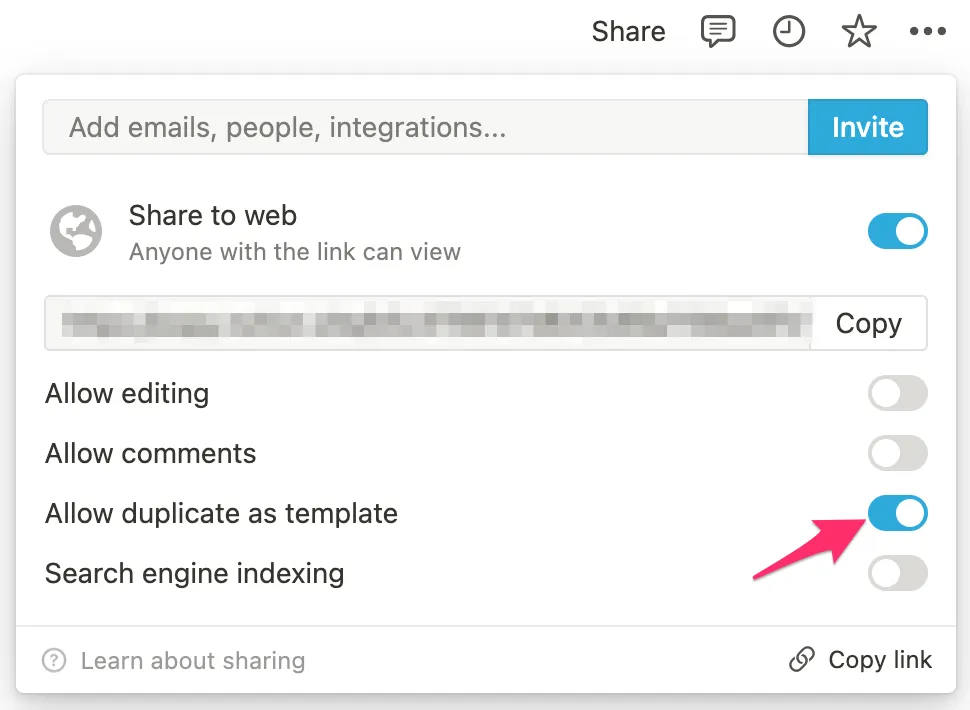
You can turn on & off the Duplicate button on Notion like below
◦
Scroll progress bar
◦
Go-to-top button
◦
Pageview count
◦
Oopy logo at the bottom
 For more detail about referrals, see the link below.
Font
You can try several fonts with just a click. The font will be applied to all the text on the website.
Database
You can hide some parts of databases like,
•
Search on database
•
Properties in database item page
•
Arrow( ) icon in the title of linked database
) icon in the title of linked database◦
This also disables link to original database
Bottom Navigator
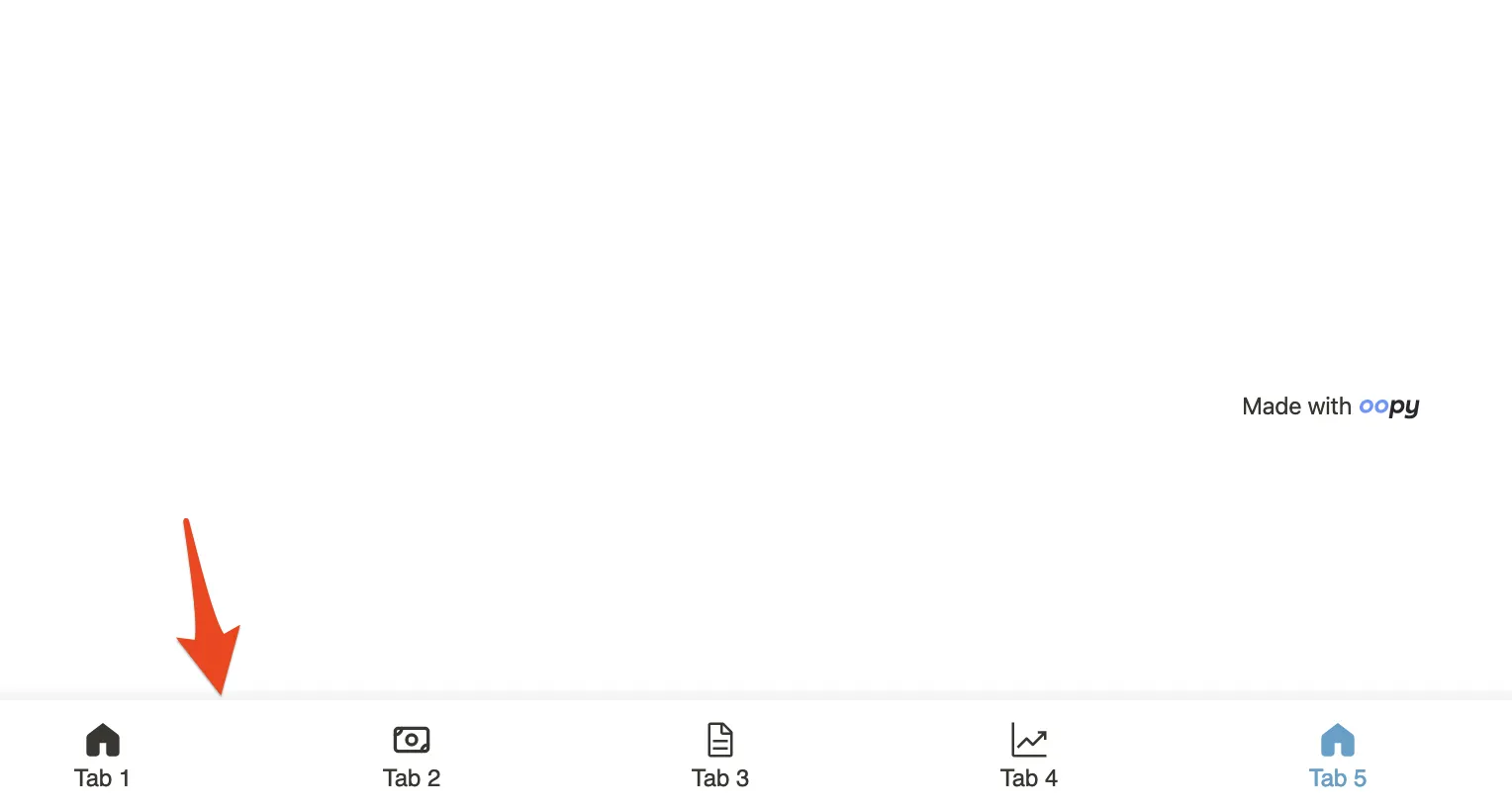
You can create bottom navigator like below. So that you can give your website visitors a mobile app-like experience with just a few clicks. Checkout the detailed guide.

Top Menu Bar

Desktop view
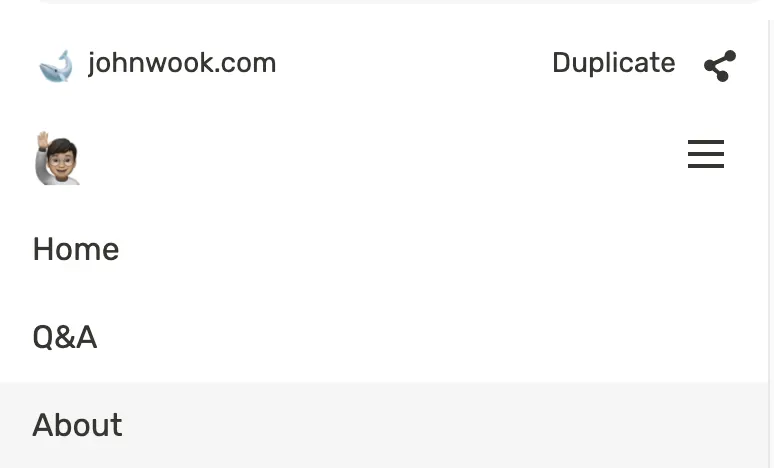
Mobile view
You can create responsive Top menu bar like above images without writing a code. Check out the doc.

CTA(Call to Action) button
You can create CTA button at the bottom of the page you want. It's the most popular way of converting visitors to action.

